Turn two images into a looping before/after comparison GIF, right from your chat or coding app. Free, no account and no API key.
Connect
Streamable HTTP endpoint, no sign-in needed:
https://crisp.photos/api/mcpSet up your client
Claude
Settings > Connectors > Add custom connector, then paste the URL above.
Claude Code
claude mcp add --transport http crisp-photos https://crisp.photos/api/mcpCodex
In ~/.codex/config.toml:
[mcp_servers.crisp-photos]
url = "https://crisp.photos/api/mcp"
Other clients
Add a remote HTTP server named crisp-photos with the URL above.
Tools
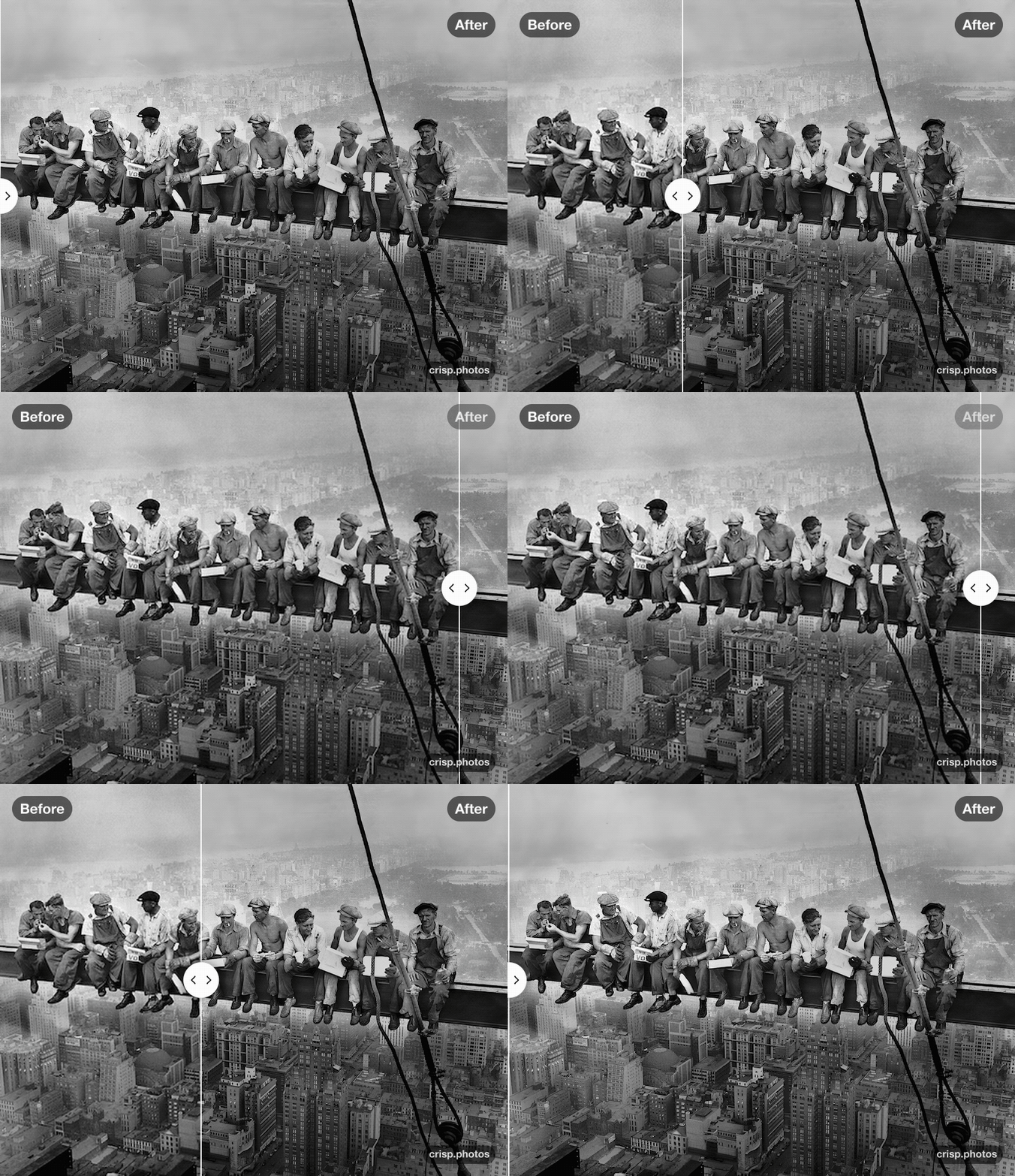
animate: give it public https links to a before and an
after image (JPEG, PNG or WebP, up to 20 MB each). It returns a GIF where a slider sweeps
between the two, with Before and After labels. Great for showing an upscale, a retouch
or a colour fix.
Privacy
Images are processed in memory and never stored. Details in our privacy policy.